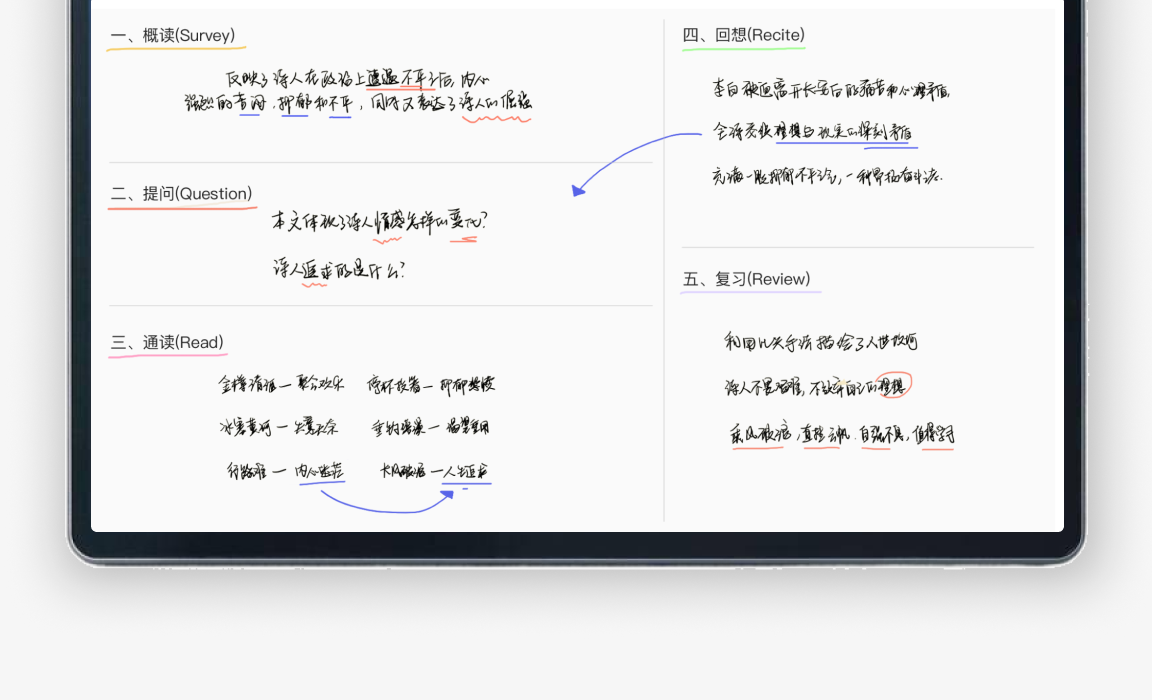
ZhiKe Note-Taking App
Students didn't need better digital paper. They needed to be shown how to take notes.
ZhiKe's note-taking app gave students a blank page and a pen. Most of them couldn't make sense of their own notes later. Over 5 months I led UX on turning it into an app that teaches note-taking methods, works on top of other apps, and lets students learn from each other.
TL;DR
73% of students couldn't make sense of their own notes when they came back to review them. The app wasn't the main problem. Nobody had taught them a method, and the students who did well had worked one out on their own and kept it to themselves.
So we replaced the blank page with templates that teach a method, let students take notes on top of whatever app they were using, added typing for students without a stylus, and gave them a place to share what works.
The Challenge
An app that made sense to engineers, not students
Three problems got in the way before a student wrote a single line.
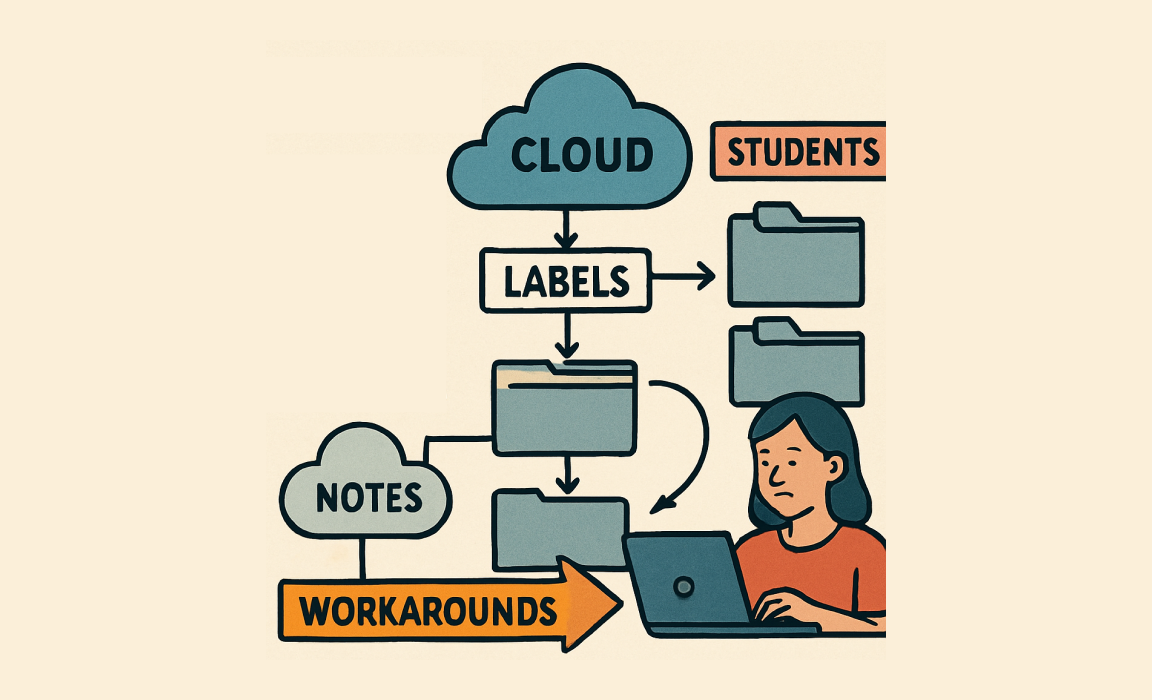
Labels, folders, cloud notes
Three overlapping ways to organize notes, arranged the way the system stored them. Students made their own workarounds.
A separate app
To write something down while reading or in class, students had to leave what they were doing and open the notes app.
Pen only
The app only took handwriting, but many students didn't have a stylus, and writing class notes with a finger doesn't work.
What We Discovered
Capturing notes wasn't the problem. Using them later was.
2,000+ student survey responses, 10+ interviews, 5 classroom observations, and backend usage data.
of students couldn't make sense of their own notes when reviewing later
Top students used structured methods they had worked out on their own
Each subject needs a different kind of note, but the app only offered blank pages
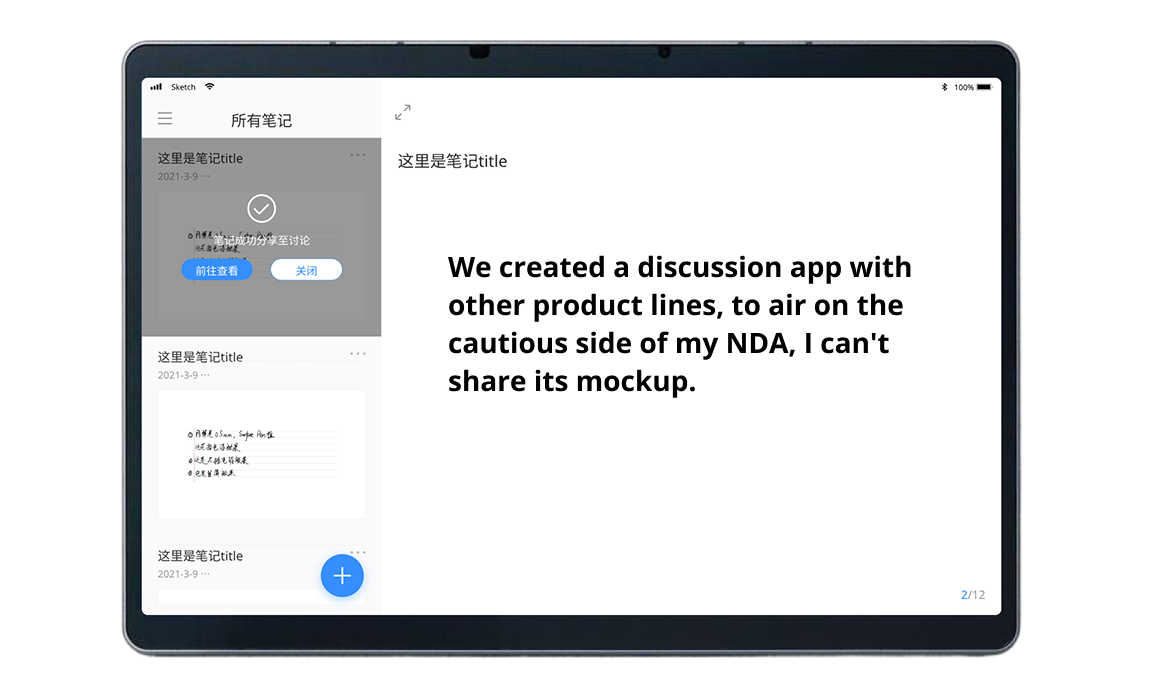
Students wanted to learn from each other but had no way to share methods
When I look back at my notes later, I can't even make sense of what I wrote. It's like I was writing for someone else.Grade 10 Student, Hefei
The Solution
A note-taking app that teaches a method, not just a page to write on.
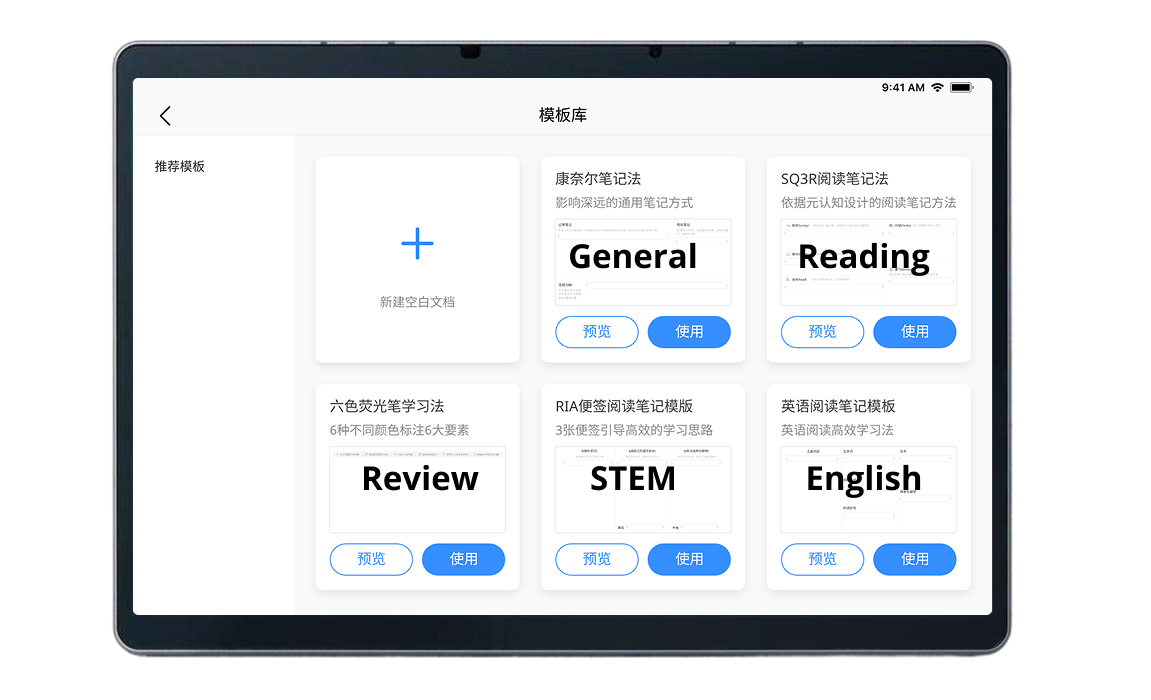
Templates that teach a method.
Cornell Notes, subject-specific layouts and guided frameworks. Using the template is how students learn the method.
Notes on top of any app.
An overlay lets students write while reading a textbook, watching a video or following a presentation.
Typing as well as pen.
Rich text and typing alongside handwriting, so students without a stylus can still take proper notes.
A place to share what works.
Discussion boards where students swap methods and pick up templates from classmates who do well.
Key Features
What shipped
Design Strategy
The template library
We turned established note-taking methods, from Cornell Notes to mind maps, into templates, so students can try several ways of working through the same material.
Classic methods
Cornell Notes, SQ3R, the outline method and others
Subject-Specific
STEM grids, English text analysis, history timelines and review sheets
Visual methods
Mind maps, concept maps and other visual layouts
Shared by students
Templates improve as students use and share them
Results
Template use and discussion growth come from backend data; the other two come from a student survey.
What I Learned
The best features teach something.
Templates worked because using one is the lesson. Students didn't have to read instructions to learn a method.
Notes happen inside other work.
Students take notes while reading, watching or listening, so the app had to work on top of those, not instead of them.
Good habits spread through classmates.
The biggest surprise was the discussion boards: 77% of students said they picked up a method from a classmate.